





Featured by Vibed · Productivity
Shout My Post
Find useful websites, apps and open source projects. Share something you built.
Explore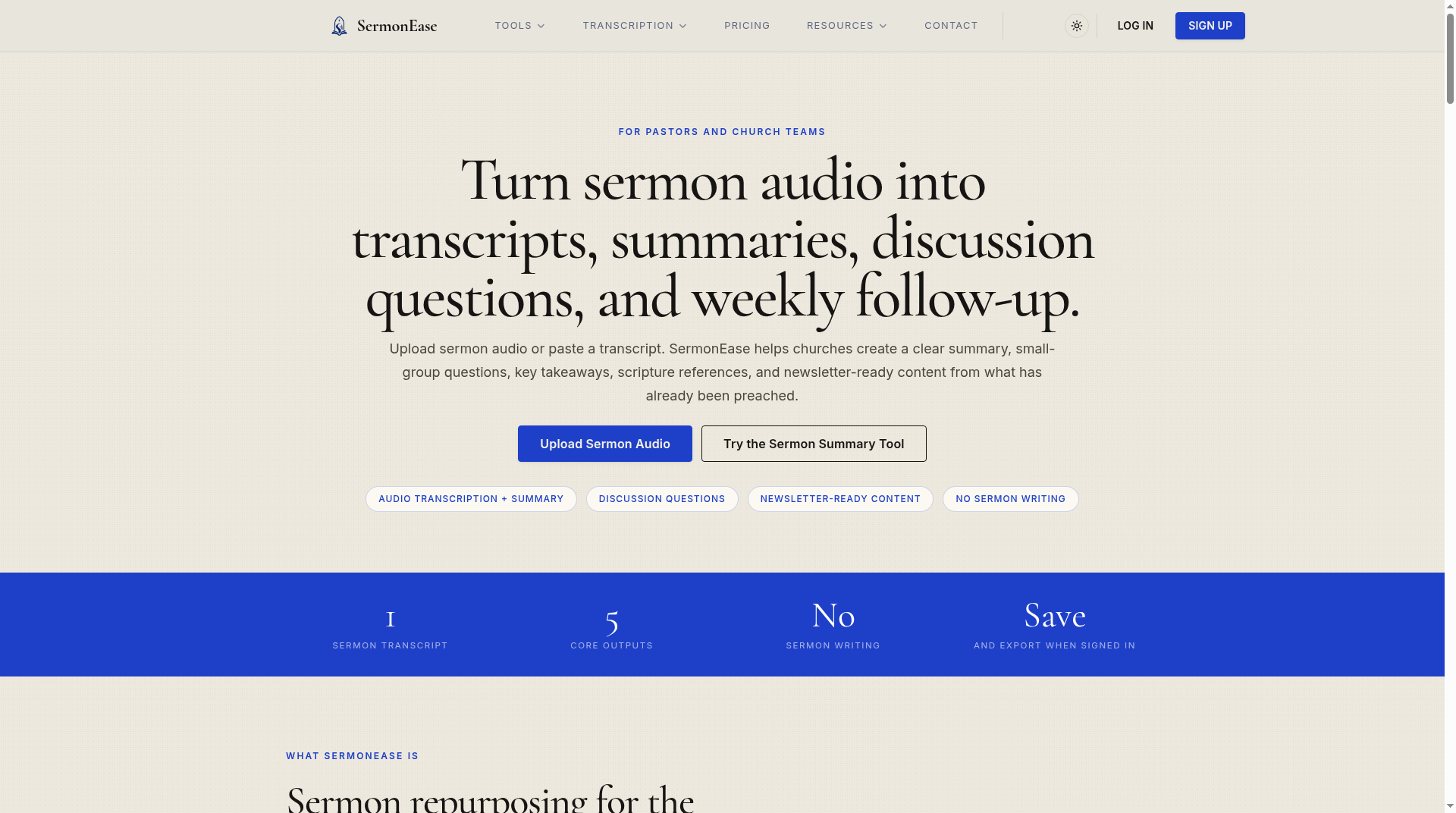
Sermon transcription and AI content tools for church teams
Runs right here. No download.
Upload MP3, M4A, or WAV sermon files to automatically convert audio into readable transcripts with speaker turns and clear formatting.
Create summaries, discussion questions, key takeaways, scripture references, and newsletter snippets from a single sermon source.
Save and organize sermon transcripts, summaries, and references in a searchable archive for future ministry use.
Generate English and Spanish sermon follow-up content without splitting workflows into separate systems.
Paste a sermon transcript or upload MP3, M4A, or WAV audio files after signing in.
SermonEase automatically creates a summary, discussion questions, key takeaways, scripture references, and newsletter-ready content from your sermon.
Review the generated content, save it to your library, and export as TXT, Markdown, or DOCX to share with your team.
Checked by Vibed
Share your experience with SermonEase
Sign in to leave a reviewNo, SermonEase repurposes sermons that have already been preached, not write new sermons for pastors.
Yes, you can paste sermon transcript text to start immediately, or upload audio files when your team is ready for audio-based workflow.
Yes, SermonEase supports English and Spanish sermon follow-up and bilingual outputs for churches serving multilingual congregations.
Based on what each app takes in and gives out.