






Featured by Vibed · Productivity
IcyZip
Copy text between phone and computer in two open browsers. Free, no account or installation.
Explore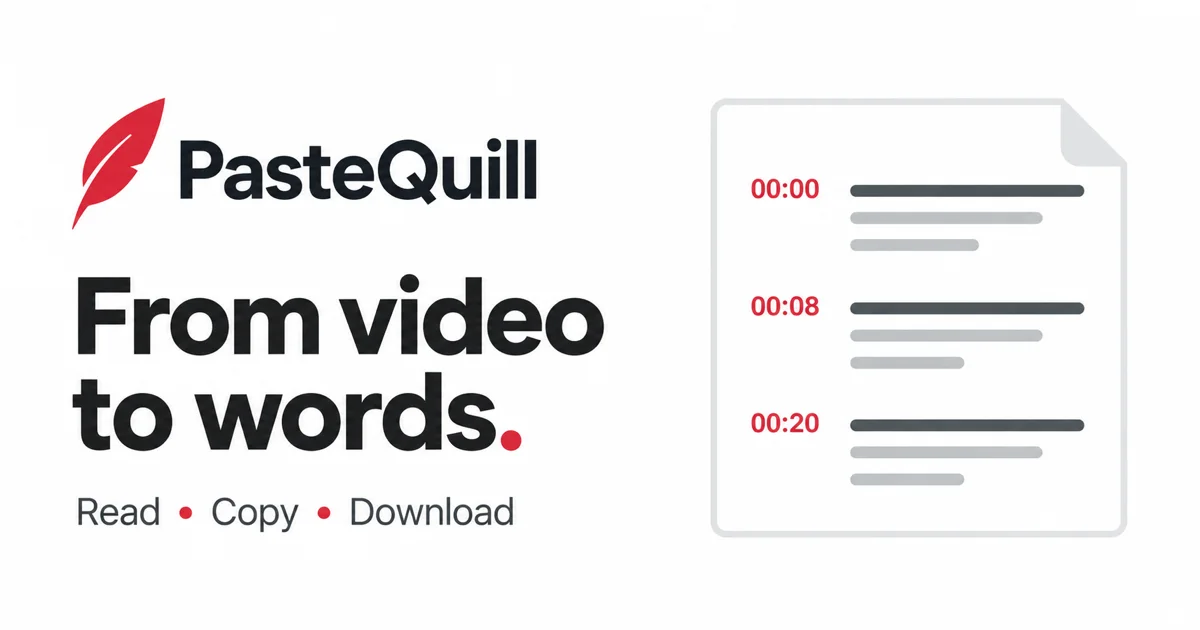
Free transcripts for YouTube, TikTok and Instagram videos
Opens pastequill.com in a new tab
Paste a YouTube, TikTok, or Instagram video link to instantly pull captions as readable text with timestamps or clean paragraphs.
Copy transcripts directly, download as TXT or SRT files, or use Copy for ChatGPT to prepare text for AI summarization.
For videos without captions, optional Pro adds AI transcription to convert audio to text.
Basic caption extraction is completely free and works without creating an account.
Find your YouTube, TikTok, or Instagram video and copy its link from your browser or the app's share option.
Paste the link into PasteQuill and press Get transcript to load the captions in a few seconds.
View the transcript with timestamps, copy it in one click, or save it as TXT or SRT for use elsewhere.
Checked by Vibed
Share your experience with PasteQuill
Sign in to leave a reviewNo, basic caption extraction is free and requires no sign-up.
PasteQuill can transcribe the audio with AI through the optional Pro feature after you confirm, with limits of 3 videos per day up to 5 minutes each for free users.
You can download transcripts as TXT files or SRT subtitle files for use in video editors and other applications.
Based on what each app takes in and gives out.