Loading apps…
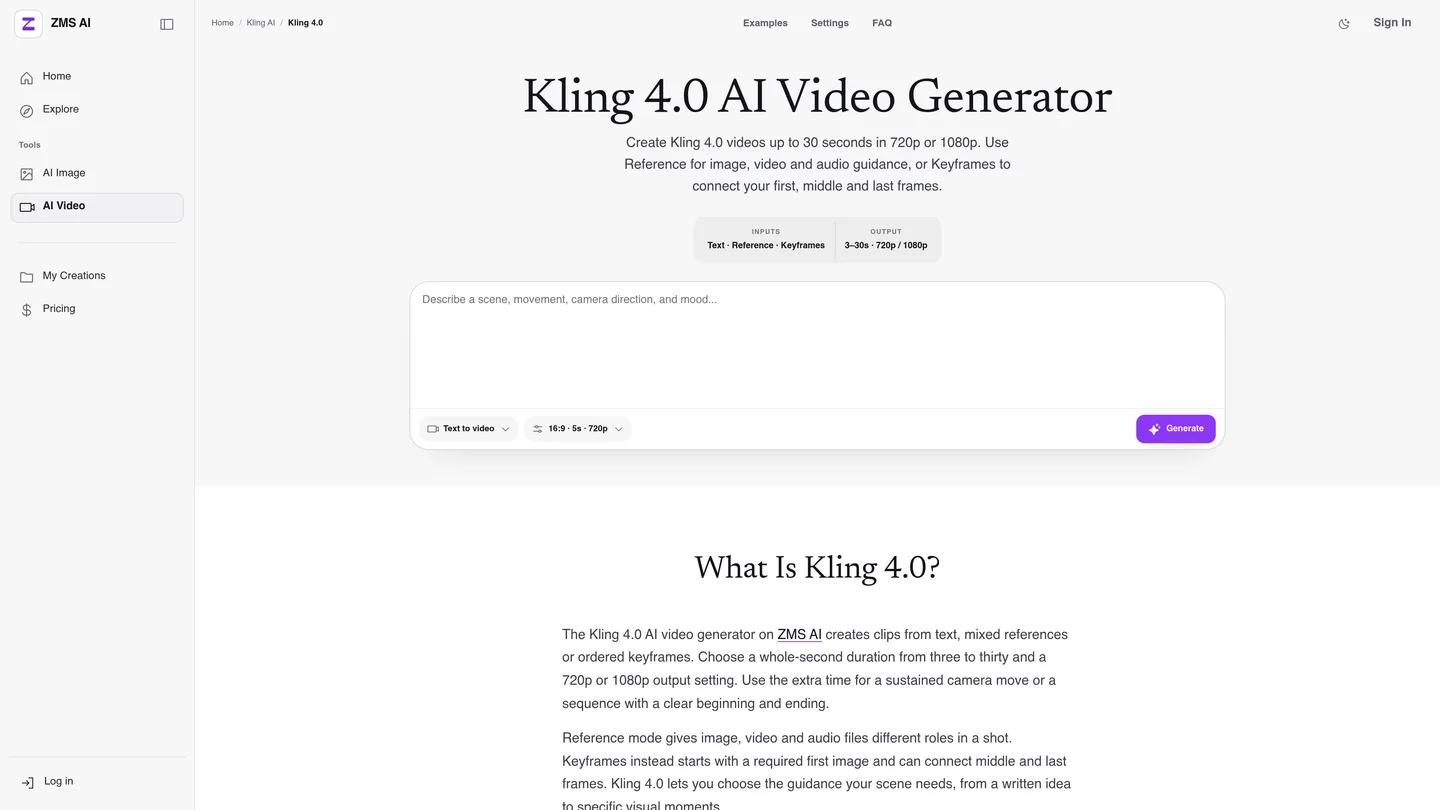
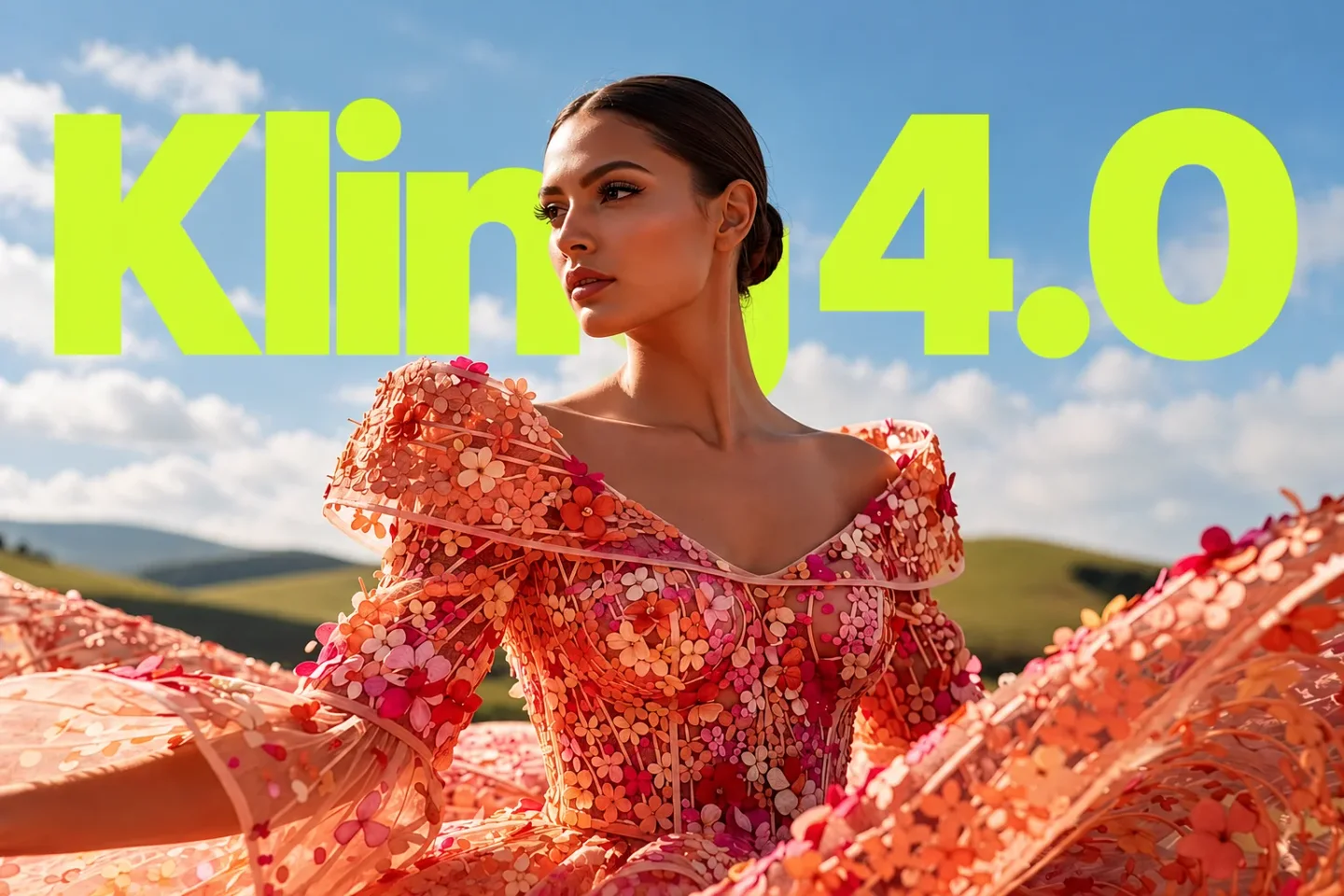
Create Kling 4.0 videos up to 30 seconds with 720p or 1080p settings. Use text, image, video or audio references, and first-to-last keyframes on ZMS AI.
Runs right here. No download.
Create videos from text prompts, reference images/video/audio, or keyframe sequences connecting first, middle, and last frames.
Generate videos from 3 to 30 whole seconds in 720p or 1080p output settings.
Combine appearance, motion, and sound direction using image, video, and audio files assigned different roles in a shot.
Access the platform through a web interface to create, preview, and download generated video clips for further editing.
Start with either a written text prompt, files with specific reference roles, or keyframe images for your scene.
Write your prompt naming the action, camera movement, and ending, then explain each reference file's role or the transition between keyframes.
Select your output duration, resolution, and framing, then submit to generate your video clip and download it from My Creations.
Checked by Vibed
Share your experience with Kling 4.0 AI Video Generator
Sign in to leave a reviewYou can choose 3 to 30 whole seconds with either 720p or 1080p resolution.
You can use text prompts, reference images and videos, audio files, or keyframe images to guide your video generation.
Purchased credits never expire and there is no subscription or automatic renewal required.
Based on what each app takes in and gives out.