Loading apps…
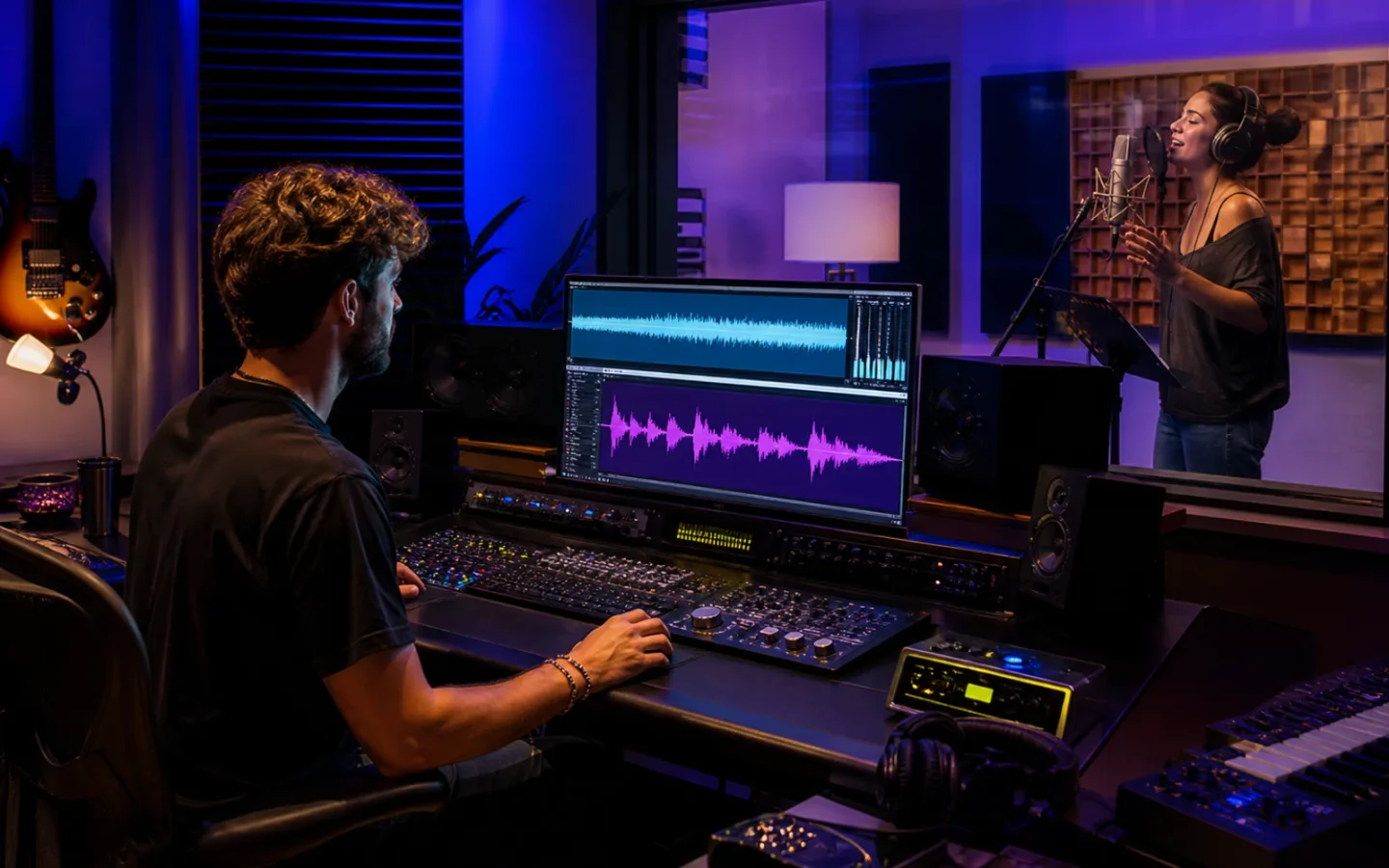
Add vocals to a track you already have.
Opens creatune.ai in a new tab
Upload an instrumental, beat, or demo and AI will generate a new sung vocal performance on top of your existing music.
Specify tone, intensity, register, delivery, and genre to guide how the AI vocal should perform over your track.
Your original source file stays untouched while the AI creates a new track with both your music and the generated vocal together.
Provide exact lyrics when wording matters, or give broader direction for more exploratory vocal results.
Pick a song from your library or upload an MP3, WAV, or M4A file up to 8 minutes long.
Provide lyrics or direction for the vocal, then describe the vocal role such as tone, intensity, and delivery in relation to your track.
Listen to the generated vocal and refine your brief if needed before finalizing your vocal track.
Checked by Vibed
Share your experience with Creatune
Sign in to leave a reviewAdd Vocal starts with music that has no lead vocal yet and creates a new sung performance, while a song cover re-sings a song that already has vocals.
You can upload MP3, WAV, or M4A files up to 8 minutes in length.
No, your original source file stays untouched and you get a new track with both your music and the AI vocal together.
Based on what each app takes in and gives out.